How to Make Your Resume ATS-Friendly in 2026
Learn how to create an ATS-friendly resume that is easy for applicant tracking systems to read and strong enough to attract recruiters.
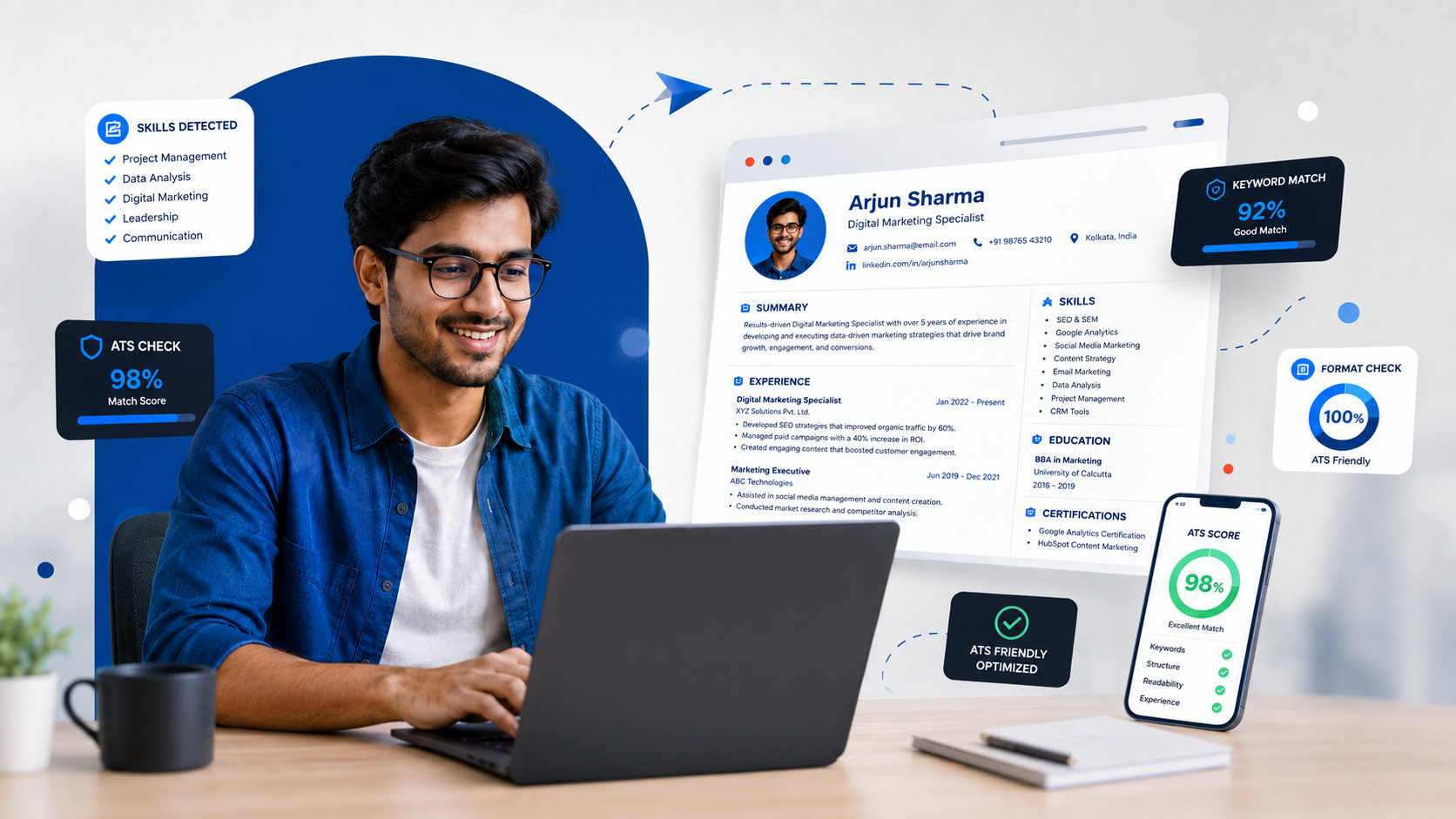
Quick answer: To make your resume ATS-friendly in 2026, use a simple layout, include relevant job-description keywords, choose standard headings, avoid graphics and tables, add measurable achievements, and customize the resume for each position.
A strong resume has two jobs: it must be readable by hiring software and persuasive to a recruiter. This guide explains how to achieve both without using complicated formatting or unnatural keyword stuffing.
What Is an ATS-Friendly Resume?
An ATS-friendly resume is a resume structured so that an Applicant Tracking System can accurately identify your contact information, skills, education, experience, projects, and qualifications.
Employers use applicant tracking systems to organize applications and find candidates whose experience matches the job requirements. If your resume contains difficult formatting, unclear headings, or missing keywords, some of your information may not be interpreted correctly.
Why ATS Resume Optimization Matters in 2026
Online applications make it easier for employers to reach more candidates, but they also increase competition. A recruiter may receive hundreds of resumes for a single position. An optimized resume makes your qualifications easier to find and understand.
ATS optimization is not about tricking software. It is about presenting accurate information in a clear structure that works for both technology and people.
1. Choose a Simple ATS-Friendly Resume Format
A clean reverse-chronological format is suitable for many job seekers because it presents recent experience first and uses a structure that recruiters immediately recognize.
Use These Elements
- Clear section headings
- Simple bullet points
- Consistent spacing
- Readable fonts
- Left-aligned body text
- A logical section order
Avoid These Elements
- Complex tables
- Decorative text boxes
- Skill-rating graphics
- Unnecessary icons
- Multiple narrow columns
- Important text in headers or footers
Choose a Readable Font
Use a familiar professional font such as Arial, Calibri, Aptos, Helvetica, Georgia, or Times New Roman. Keep body text approximately 10–12 points and make section headings slightly larger.
2. Add Relevant Keywords from the Job Description
Resume keywords help an ATS connect your experience with the employer’s requirements. Review the job description and identify recurring skills, tools, qualifications, job titles, and responsibilities.
Example: A data analyst job description may mention Python, SQL, data visualization, Excel, Power BI, dashboards, and stakeholder reporting.
Include these terms only when they genuinely reflect your skills or experience. Place them naturally within your summary, skills, projects, and experience sections.
Match Both Abbreviations and Full Terms
Where appropriate, mention an abbreviation with its full form the first time it appears. For example, write “Search Engine Optimization (SEO)” or “Customer Relationship Management (CRM).”
Avoid Keyword Stuffing
Repeating the same phrase excessively does not make a resume stronger. Instead, provide context that demonstrates how you used the skill.
3. Use Standard Resume Section Headings
Creative labels may look interesting, but standard headings make your resume easier for software and recruiters to scan.
Recommended Headings
- Professional Summary
- Skills
- Work Experience
- Education
- Projects
- Certifications
- Achievements
Avoid Unclear Headings
- My Journey
- What I Know
- Things I Built
- My Story
- Where I Learned
- What Makes Me Different
4. Write a Focused Professional Summary
Your professional summary should quickly communicate your current level, strongest relevant skills, practical experience, and target role. Keep it specific and avoid generic phrases that could describe any candidate.
Example for a fresher: Computer Science graduate with hands-on project experience in Python, Java, SQL, and web development. Interested in entry-level software development roles requiring analytical thinking, teamwork, and problem-solving.
5. Turn Responsibilities into Measurable Achievements
A responsibility explains what you were assigned to do. An achievement shows what changed because of your contribution.
Weak example
Worked on a college website project.
Improved example
Developed a responsive college event website using HTML, CSS, and JavaScript, reducing average page-loading time by 30%.
Use numbers only when they are accurate. You can quantify project size, team size, completion time, users reached, efficiency improved, revenue supported, errors reduced, or engagement increased.
6. Customize Your Resume for Every Job
A general resume may not clearly show why you fit a specific position. Adjust your summary, skills, project order, and achievement bullets so the most relevant information appears first.
Do not add skills you do not possess. Tailoring means selecting and prioritizing truthful information, not copying the entire job description.
7. Highlight Relevant Projects and Certifications
Students and freshers can use projects to demonstrate practical ability. Include the project name, technologies used, your contribution, and a measurable result or outcome.
Project example:
AI Resume Analyzer: Developed a Python-based application that compares resumes with job descriptions, identifies missing skills, and recommends relevant keyword improvements.
8. Select the Correct File Type and File Name
Follow the employer’s instructions. Submit a PDF when it is accepted and your formatting remains readable. Submit a DOCX file when the application specifically requests it.
Professional file name
Rahul_Sharma_Data_Analyst_Resume.pdf
Avoid
resume_final_new_updated2.pdf
Examples of Resume Keywords for 2026
The best keywords depend on the position. The examples below are starting points, not a universal list for every resume.
Technology and Data Skills
Business and Professional Skills
Transferable Skills
ATS-Friendly Resume Checklist
Common ATS Resume Mistakes to Avoid
- Using the same generic resume for every application
- Adding keywords without explaining relevant experience
- Placing contact details only inside a header or footer
- Using unclear or creative section names
- Writing long paragraphs instead of focused bullet points
- Including irrelevant skills just to fill space
- Using inconsistent dates, fonts, or spacing
- Submitting the resume without proofreading it
Prepare Beyond Your Resume with Prep2Hire
An ATS-friendly resume can help you reach the interview stage. Prep2Hire helps you continue your preparation with role-specific practice, AI-powered mock interviews, and structured feedback.
Final Thoughts
Making your resume ATS-friendly in 2026 is about clarity, relevance, and accuracy. Use a straightforward structure, include genuine job-related keywords, highlight results, and adapt your content for each opportunity.
Your resume should help hiring technology understand your qualifications while giving recruiters clear reasons to consider you. Once your resume is ready, strengthen your interview skills so you can confidently explain the experience and achievements you have presented.
Frequently Asked Questions
What is an ATS-friendly resume?
An ATS-friendly resume uses a clear structure, standard headings, readable formatting, and relevant keywords so applicant tracking systems can correctly interpret the candidate’s information.
Which resume format is best for ATS in 2026?
A clean reverse-chronological format is suitable for many candidates. It places recent experience first and uses a familiar structure that both ATS software and recruiters can scan easily.
Can freshers create an ATS-friendly resume?
Yes. Freshers can highlight education, internships, academic projects, certifications, technical skills, volunteer experience, and measurable achievements relevant to the target role.
Should an ATS resume be PDF or DOCX?
Follow the employer’s instructions. A text-based PDF is often suitable when accepted, while DOCX should be used when the application specifically requests that format.
Should I use the same resume for every application?
No. Customize your summary, keywords, skills, projects, and achievement bullets so the most relevant information matches each job requirement.
